
CREWLAB RESOURCES
Your go-to place to get the most out of CrewLAB
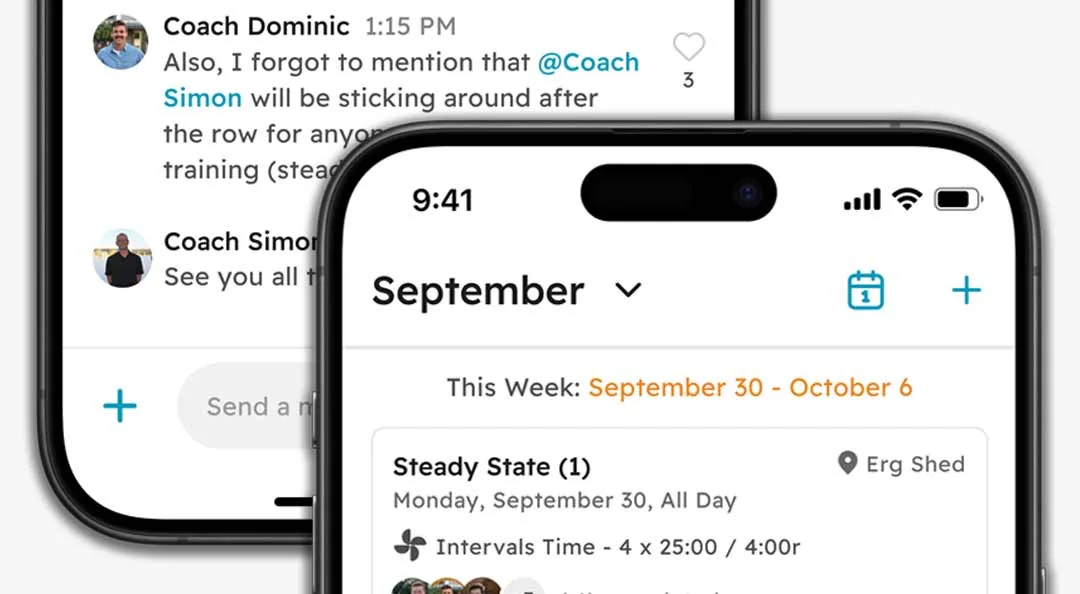
Guides
Step-by-step tutorials for success.
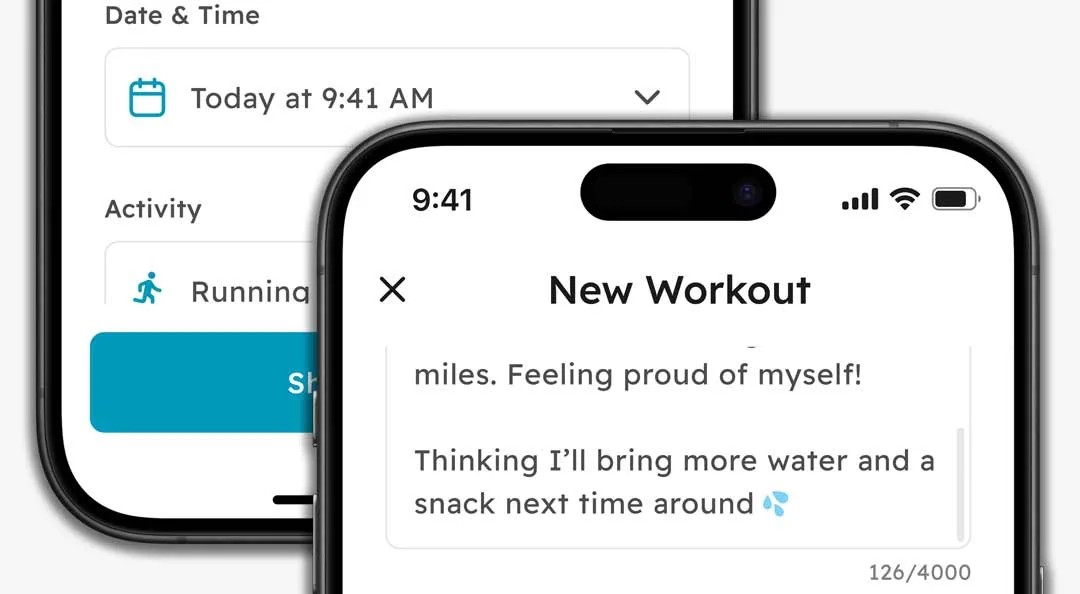
FAQs
Tutorials
Learn from our video tutorials.
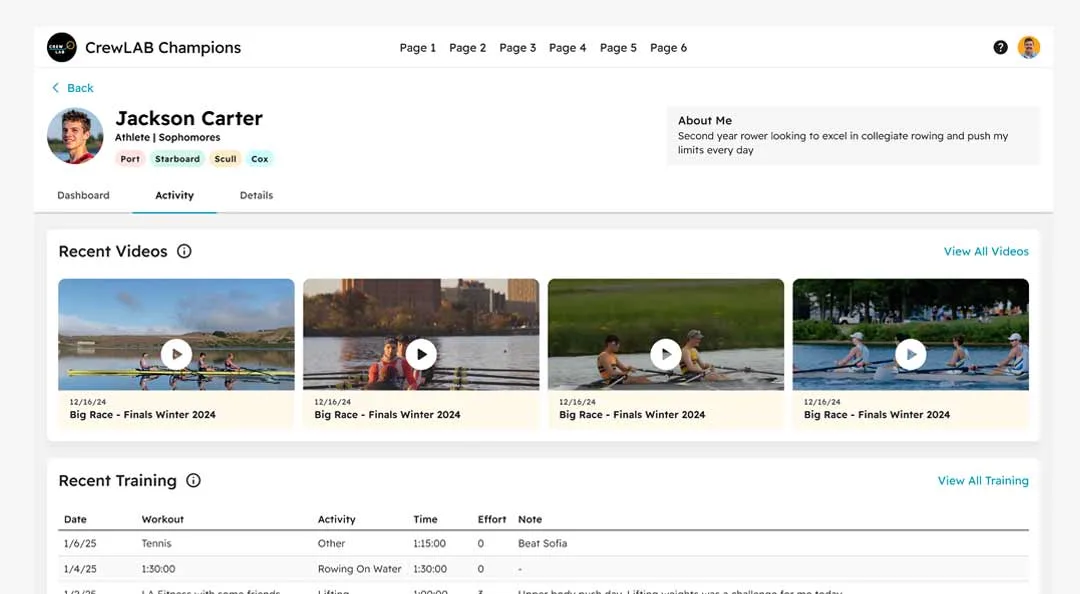
Product updates
Start using the latest updates.
HELP GUIDES
Popular topics

Getting started
New to CrewLAB? Start here!

What is CrewLAB?
Everything you can do with CrewLAB.

Winter Wipeout
Designed to keep athletes engaged.

Team Chat
Keep your team inspired.

Attendance and RSVPs
No more guess work on who's attending.

Team calendar
Supercharge your team with a shared calendar.

Athlete Insights
Unlock your team's full potential.

Wellbeing Journal
Prioritize your athlete's wellbeing.

Safety and Security
We take safety and security seriously.

Video Feedback
Strengthen the team culture with video feedback.

Workouts
Give the team clear expectations.

Roster and Squads
A place to keep your team organised.
FAQS
Find answers to all your questions.
Can I ask a real human my questions?
Will this be compliant (NCAA/IRA/ACRA/etc)?
Is CrewLAB the right fit for me?
Do I have to give payment information to sign up for CrewLAB?
What payment methods can I use?
Are you selling/sharing my data?
Are there any hidden fees like setup or cancellation?
Can I change my plan whenever I want?
What happens to my data if I change my plan?
Can I purchase CrewLAB Pro as an individual athlete?
Absolutely! You have two options:
- Join LabCats, a coached training community on CrewLAB Pro
- Upgrade to CrewLAB Pro from within the CrewLAB software
SUPPORT
Need help now?
Contact our Support desk
We’re here to help.
VIDEO TUTORIALS
Learn from our video tutorials
Get started with CrewLAB
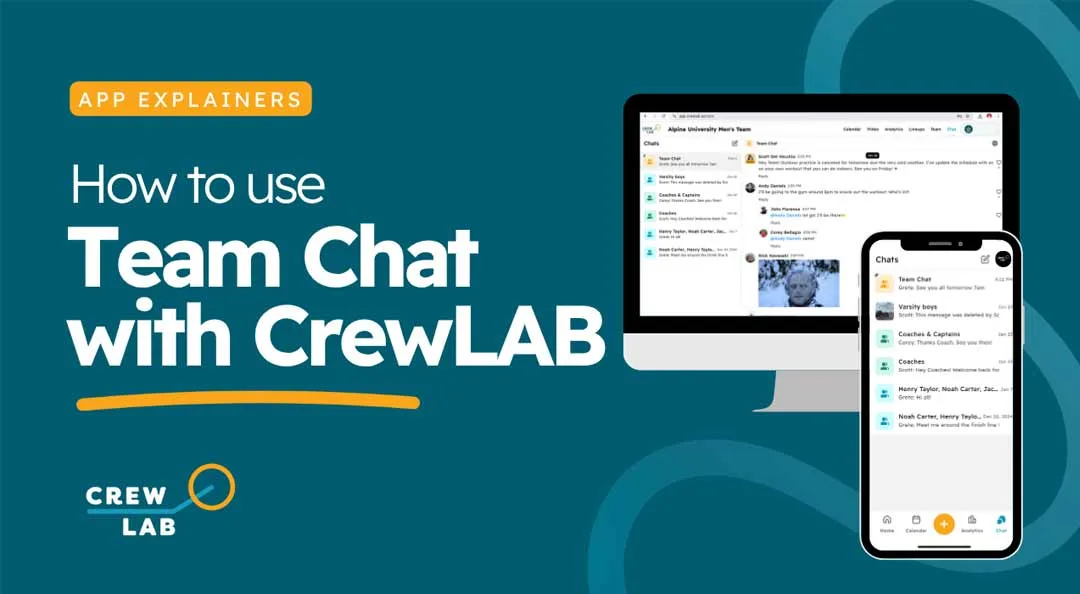
How to use Team Chat with CrewLAB
How coaches use CrewLAB Video
PRODUCT UPDATES
What's new at CrewLAB
CrewLAB Updates: Post-Practice Logs & Safety Resources
Automatic workout logging after events. Chasing post-practice logs is now a thing of the past. When athletes RSVP and attend an event, they'll receive a notification prompting them to log a workout right after it ends. This closes the loop on logging compliance and gives coaches a real-time, accurate picture of training volume without the administrative lift.
Keep your events invite-only! Need to run a small-group meeting or set a training session only for specific squads? You now have the control to restrict visibility and participation, ensuring your critical events are seen and attended only by the squad members who are on the invite list.
Introducing the Safety Button. We've added a new Safety Button for fast access to crisis support, mental health resources, and safeguarding guidance. Mental strength is just as important as physical strength, and this feature ensures your teammates always have a reliable place to turn when they need support most.
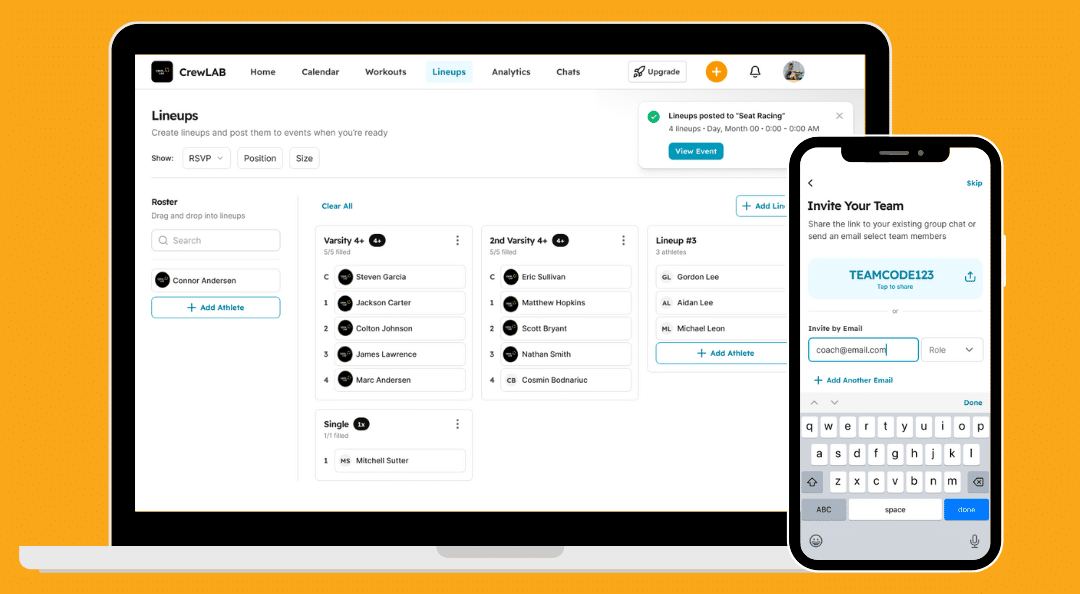
Lineups design refinements. The lineup sidebar, detail screens, and teammate tiles have received a fresh UI update for improved clarity and usability. We've also added a swap-icon function for quicker boat rigging changes and the ability to clear all lineups at once.
Better visibility for health data. Apple Health now includes maps for outdoor sessions, and we've enhanced HealthKit sync handling for more reliable data transfer.
CONTACT US
Speak to a coaching expert

Simon Hoadley
Head Coach

Joe Rapaport
Head of Swimming

Mitchell Sutter
Head of Design